
diptok Random Chat Is Coming to Android!
Matching, random letters, and the board — a look at the diptok mobile app now in testing
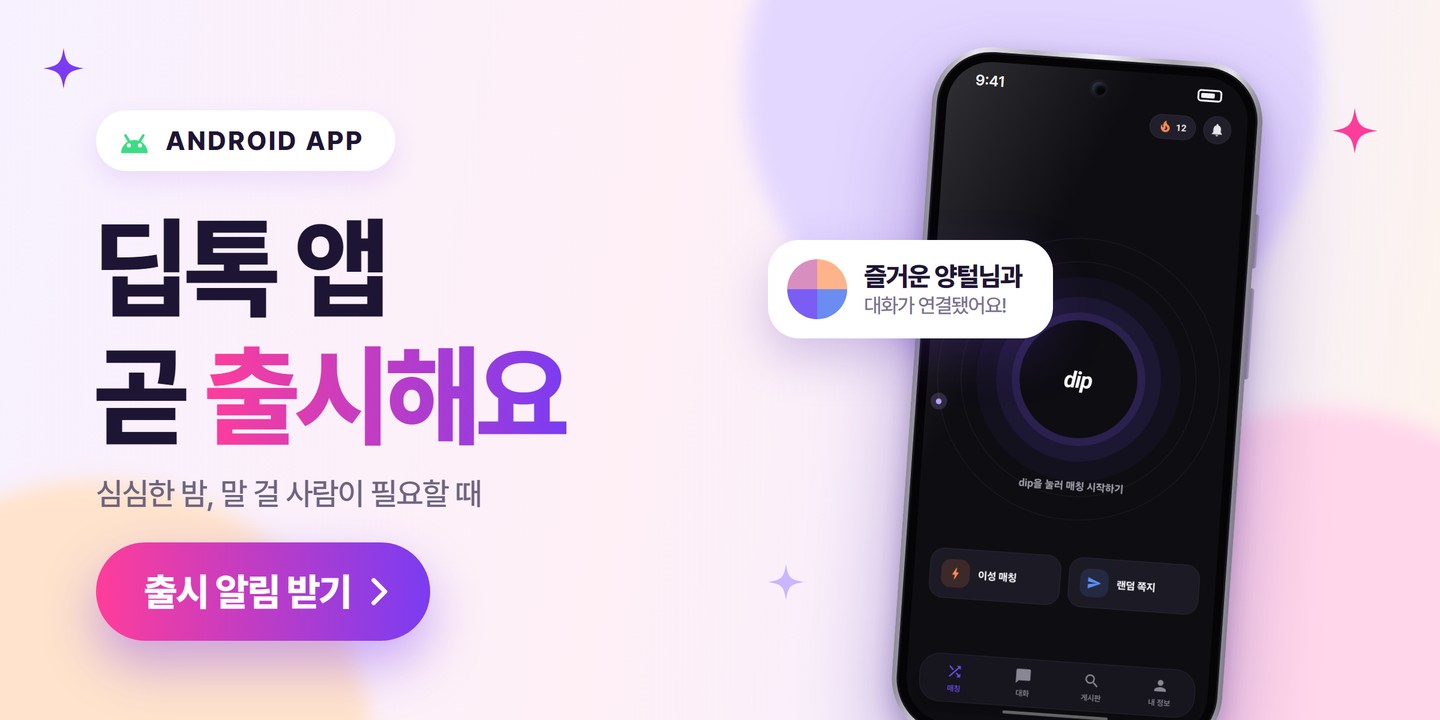
Hi, it's diptok. It has been a while since our last update.
We built a diptok Android app! The diptok you have been using in a browser is being prepared as a mobile app, so it is a little easier to reach from your phone. First, about availability. The app is currently in testing and can only be installed by test participants. In this post we want to share what kind of conversations the app holds, and which parts we paid attention to while building it.
Easier to come back to on your phone
diptok started as a random chat you can begin right in your browser. Dropping in without installing anything and talking for a few minutes is still what web diptok does best.
In the app, we focused on coming back to those conversations. You tap the icon on your home screen, check your list of conversations, and get a notification when a new letter or message arrives. The urge to talk to someone doesn't only show up when you have a long, quiet evening. On the way home, before falling asleep, or when you just want to say one thing about your day — we wanted diptok to be easy to open then too.
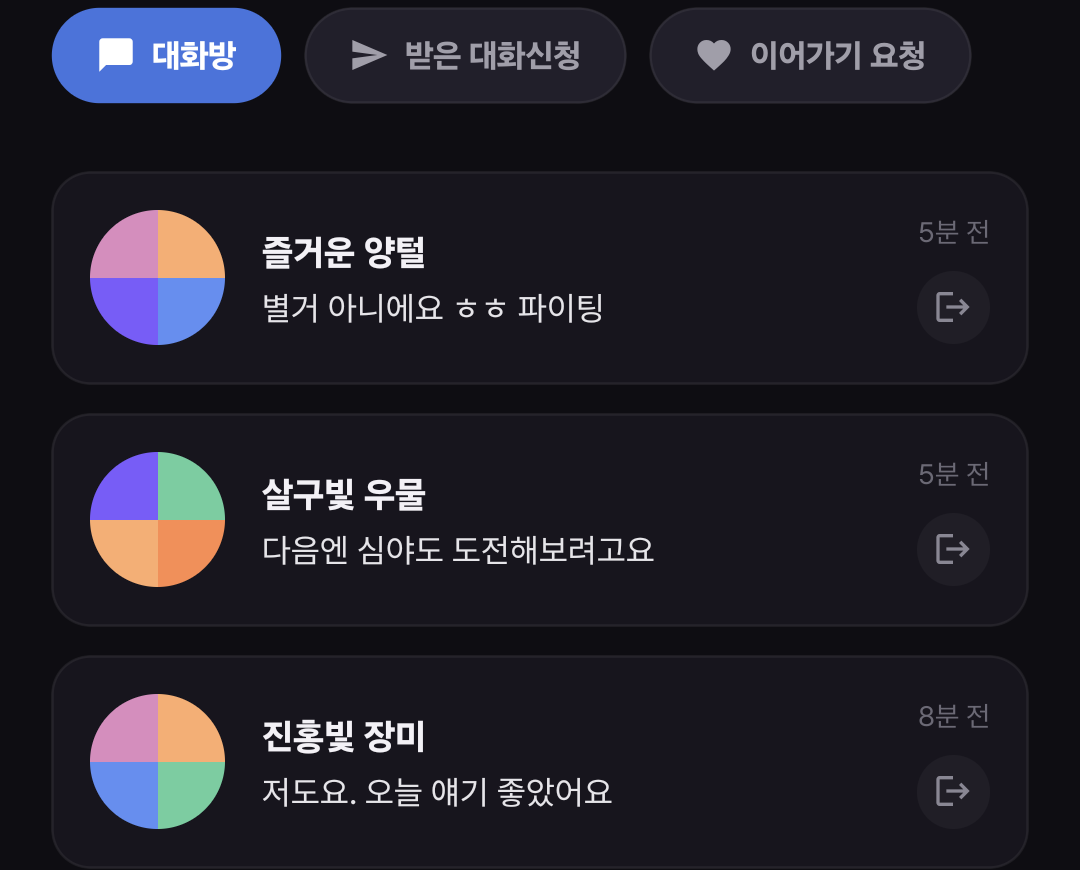
Four menus: Matching, Chats, Board, and My Info
At the bottom of the app there are Matching, Chats, Board, and My Info. Starting a conversation, continuing one, and reading what other people wrote are all a tap away from each other. These four menus stay at the bottom of the screen at all times.
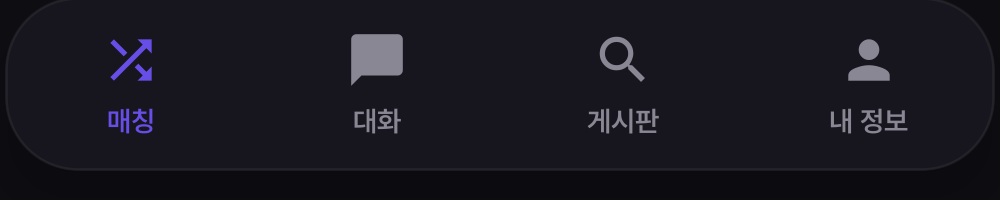
- Matching: where you start a real-time conversation with someone new.
- Chats: ongoing conversations, letters you received, and requests to reconnect.
- Board: read everyday stories or worries, and start a conversation from a post you care about.
- My Info: your own details and app settings.
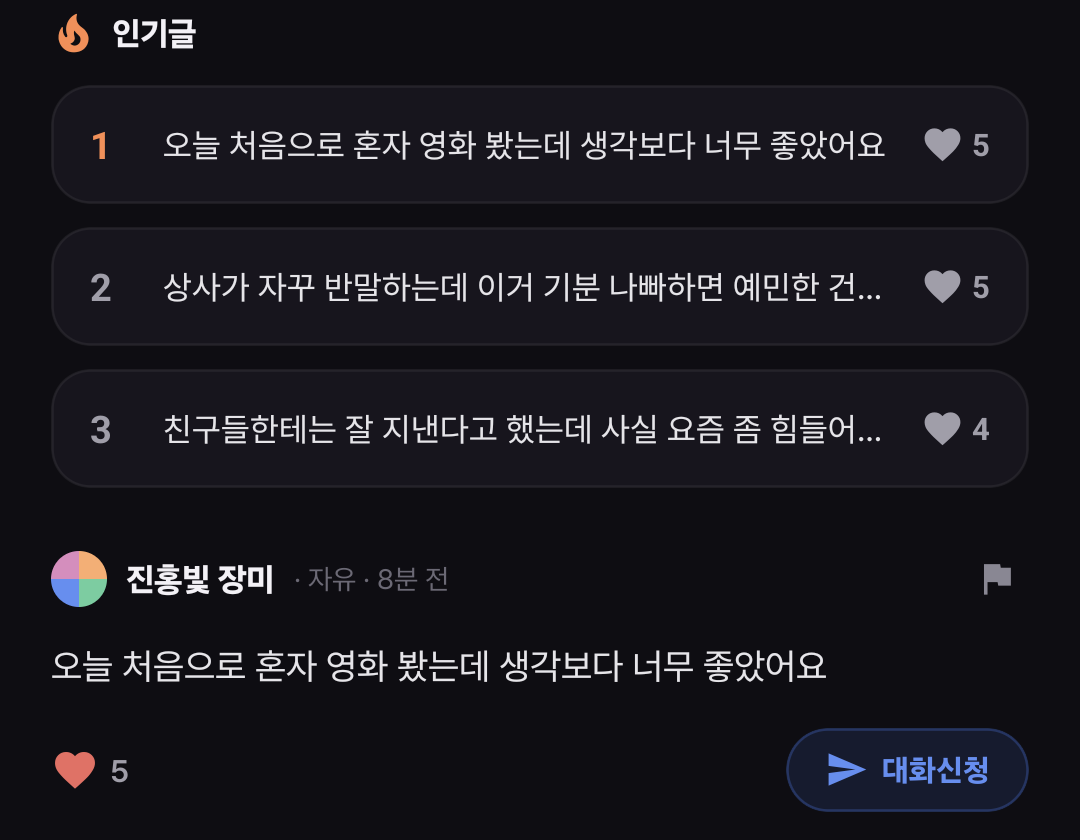
On the board you can send a chat request straight from a post that resonates with you. A random chat app doesn't have to mean talking to someone the moment you open it. Some days you may only want to read the board, or reply to a letter that arrived yesterday. We wanted you to be able to choose where to start, depending on how you feel that day.
If a live chat feels like too much, start with a letter
Real-time chat has its own pleasure — both people being online at the same moment. When you click with someone you just met, you can end up talking far longer than you planned. Other days, you don't have time for a long conversation, or you want to take your time with the first sentence. That's why the app also includes sending a random letter first.
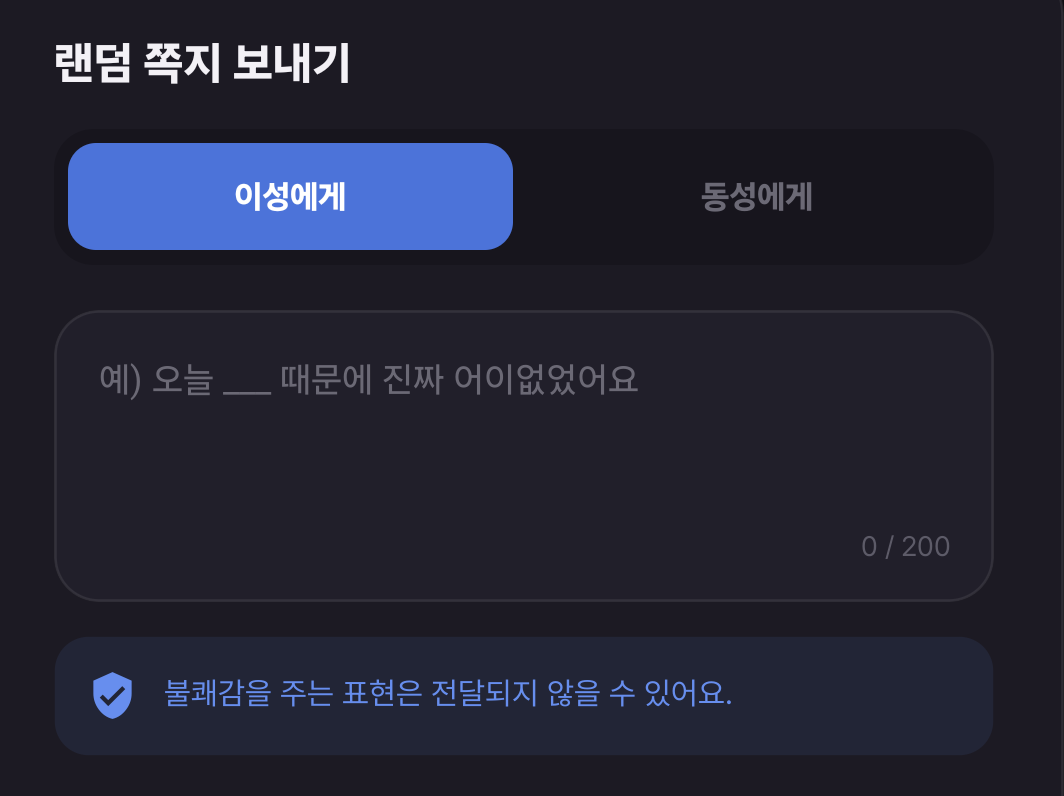
This is the random letter screen. Choose who receives it, write a single sentence, and send.
The letter screen shows an example to help you find that first sentence — the kind of small thing anyone can answer, like what you had for dinner or what you've been into lately. Rather than sending the example as it is, we hope you fill the blank with your own day.
You don't have to be especially funny to say hello. An ordinary sentence like that is enough for a conversation to begin. If you're stuck on the first line, you may also like Random Chat First Message: 7 Practical Openers.
Notifications for what's new, settings the way you want them
Reopening your conversation list to check whether someone replied gets tiring. In the app you can receive letter and message notifications. The notification settings screen lets you turn each of them on or off, and check your phone's own notification permission as well. Keep them on to hear about new things, or turn them off when you want a quiet day.
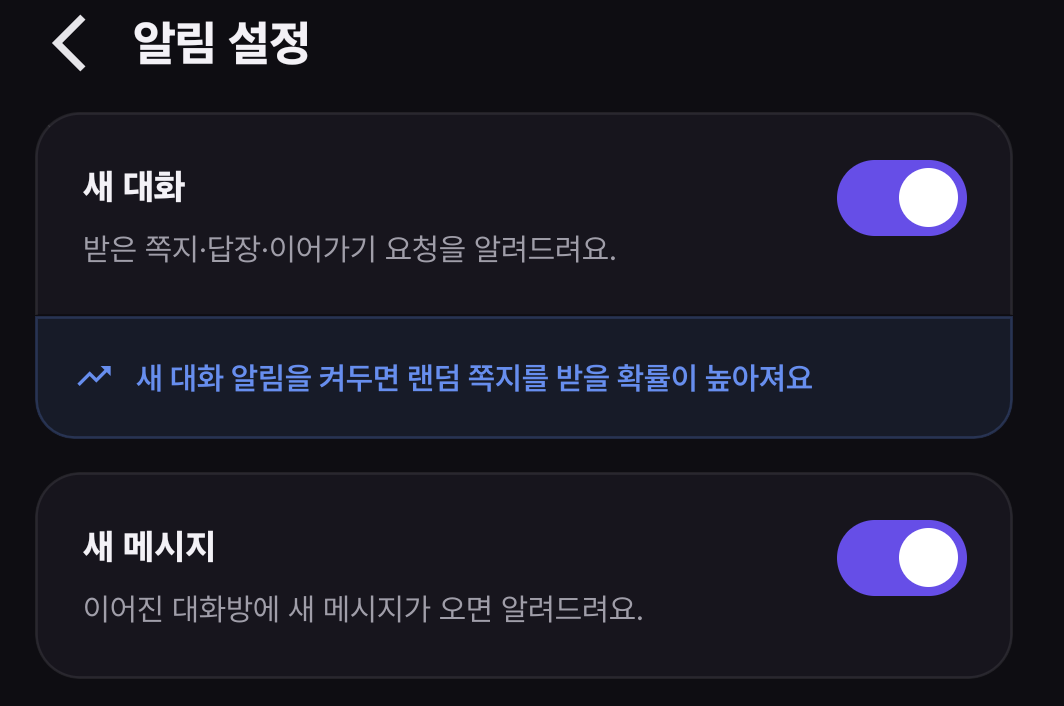
That said, we can't promise every notification arrives instantly in every situation. It depends on your device's notification permission and settings and on your network, which is part of what we're watching on real phones during the test.
Small things we cared about on a small screen
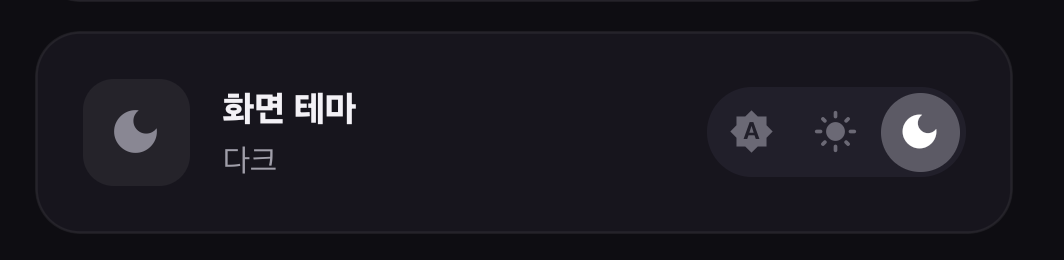
While building the app we looked at more than menu placement — we looked at the moments you actually use it with your hands. Whether the input field stays visible when the keyboard comes up, whether the app menu sits too close to the system buttons at the bottom of the screen. We also prepared themes so text and buttons stay easy to tell apart on both light and dark screens. It doesn't show up in a feature list, but in an app you use daily we think these small differences add up.
The standard for conversations we want to keep in the app
Even as diptok grows into an app, we still want to build a space where people can talk with less pressure. Reporting and blocking are in the app as well. Even in anonymous conversations, please respect the other person's boundaries. It starts with not pushing for personal details or contact information, and not brushing off someone saying they're uncomfortable. You may also want to read the diptok random chat guide before you start.
We're still testing
To repeat the important part: the diptok Android app can currently only be installed by test participants. If you're waiting for the app, you can sign up through the app release alert menu on the diptok website. Signing up for the alert means receiving news about the official release; it does not mean joining the test or getting install access.
In the meantime, please talk on the diptok website or visit the conversation board.
It feels good to share news after a while. diptok started on the web, and it's now continuing into an Android app. We'll keep watching how it feels for everyone joining the test, and keep shaping it into a place you want to open again.